
The Bazaar Mobile: Android Download and Account Guide
The Bazaar mobile is on Android. Learn how to download it, use your Tempo account, understand the $29.99 full-game purchase, and access all your heroes.
Jump to
Can You Play The Bazaar on Mobile?
The Bazaar mobile is available on Android, letting you take its board-building strategy away from your computer. Your Tempo account connects play across supported devices, so existing owners can move to mobile without purchasing the game again. New players can try Vanessa for free before paying for full access.
You can download The Bazaar on Google Play. The Android app received an update on November 10, 2026.
The platform breakdown is straightforward:
- Android: Available through Google Play.
- Windows and macOS: Supported desktop platforms.
- iOS: Included in the October 15 mobile announcement, which targeted a late-October release pending app-store approval.
For Android, the Google Play release provides a direct installation option alongside the earlier sideloaded beta.
Free Download, Paid Unlock: What You Get
Downloading the app is free, but access depends on whether your Tempo account owns the game. Free accounts can play Vanessa; purchasing the game opens the complete hero roster.
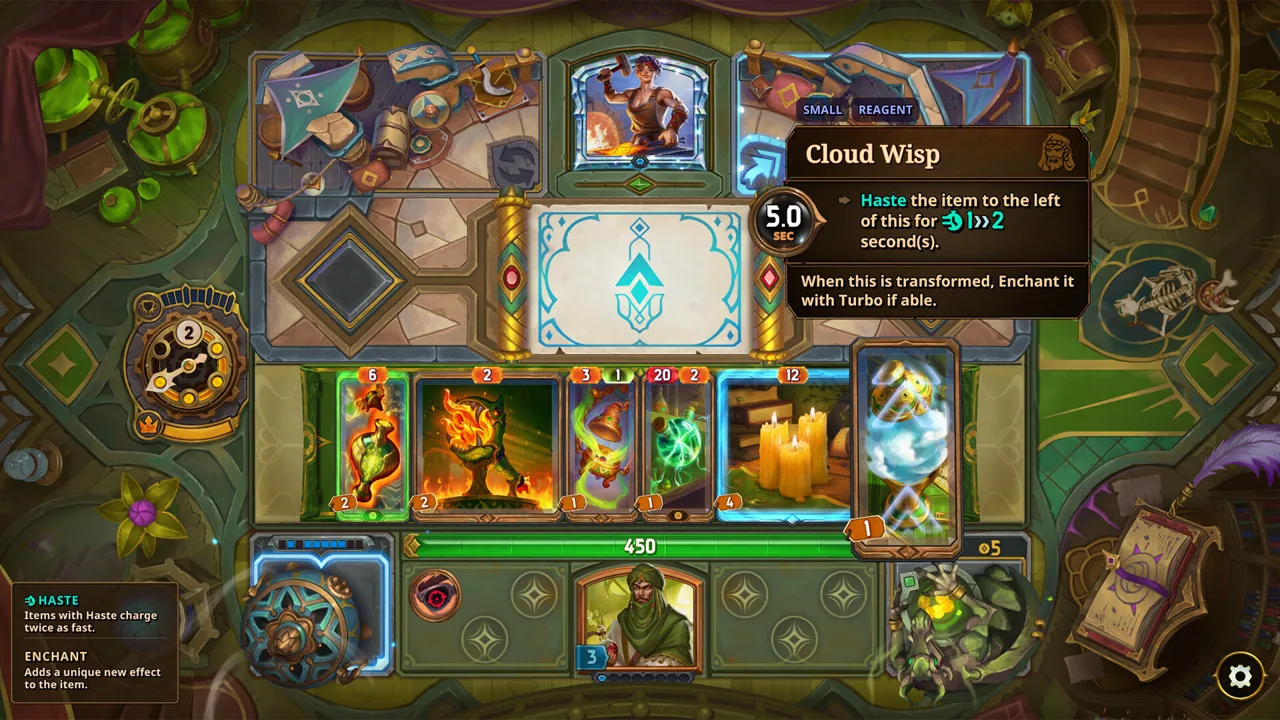 Image: Steam / Tempo
| Account status | Cost described for the mobile launch | Access |
|---|---|---|
| New free account | Free download | Play with Vanessa |
| New paid account | $29.99 through Steam | Full game and complete hero roster |
| Existing game owner | No additional mobile purchase | Access through the existing paid account |
The $29.99 price applies to the Steam purchase. Use your linked Tempo account to carry that ownership across supported devices.
The mobile launch also changes how heroes are sold. Separate hero DLC purchases are being retired in favor of including every hero with a paid copy, including copies players already own. Older advice about buying individual characters reflects the previous payment model.
Players who purchased hero DLC before the mobile launch receive exclusive animated skins for the corresponding heroes. Those rewards recognize earlier purchases; they are separate from the roster access included with the paid game.
Use Your Existing Tempo Account
If you already own the desktop version, use the same Tempo account on Android. That account connection lets you access your purchase and continue playing across supported devices.
 Image: Steam / Tempo
Before making another purchase:
- Sign in with your existing Tempo account.
- Link the account associated with your game ownership.
- Use that paid account for mobile access.
Existing owners do not need a second copy just to switch screens. Keep your desktop purchase and mobile login connected through the same account.
The earlier Android beta handled access differently: it did not include the full hero unlock planned for launch. It also connected to production servers, where real-money purchases resulted in actual charges. Instructions written for that beta can therefore describe a different experience from the mobile launch model.
How the Strategy Fits Phone Play
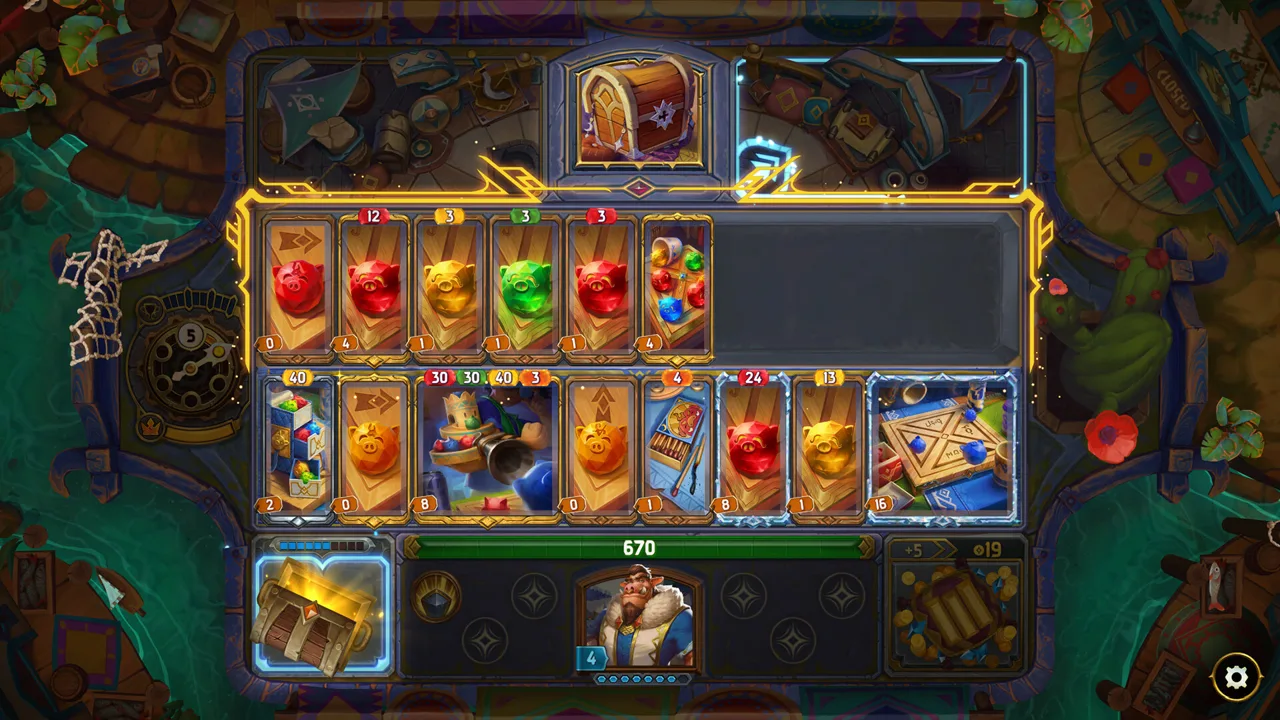
The Bazaar revolves around choosing a hero, collecting items, and arranging a board that turns individual effects into powerful combinations. Weapons, tools, potions, and even dinosaurs can become parts of your build.
 Image: playthebazaar.com
Each hero has a distinct playstyle and over 100 unique items. Your decisions happen while assembling that build; combat then puts your arrangement against creatures and rival players.
Planning does not rely on real-time timers, giving you room to read effects and consider your next move.
Build around the items you find, and read their effects before committing to a combination. The challenge comes from adapting each run rather than repeating a fixed setup.
Touch Controls and Android Performance
The Android version can experience inconsistent touch input. Tapping an item can repeatedly open and close its tooltip instead of selecting it, making board management frustrating even when you know what you want to do.
Lag and crashes can also develop as a run progresses. Restart the app if performance deteriorates, but persistent slowdown can still interrupt later stages.
Try Vanessa on your own device before purchasing full access. Use those runs to assess item selection, tooltip readability, and performance beyond the opening encounters—the parts that matter when managing a more complicated board.
Continue with
 The Bazaar Steam Deck: Controls and Settings GuideThe Bazaar Steam Deck guide covers trackpad and touch controls, 1280x800 settings, gamepad updates, and sleep-mode reconnects. Set up your handheld today.
Continue exploring
Join the community
Official channels for news, updates and player help: