The Bazaar DB Guide: Find Items, Stats, and Synergies
Use The Bazaar db to filter items by hero, tier, and size, compare patch changes, and understand triggers, stash rules, and synergies before your next run.
Jump to
What Is the Item Database Used For?
One changed item tag can break the combo you were planning. The Bazaar db helps you search items, compare tiers, and inspect the rules behind their abilities. Use it to check an interaction before committing board space or gold.
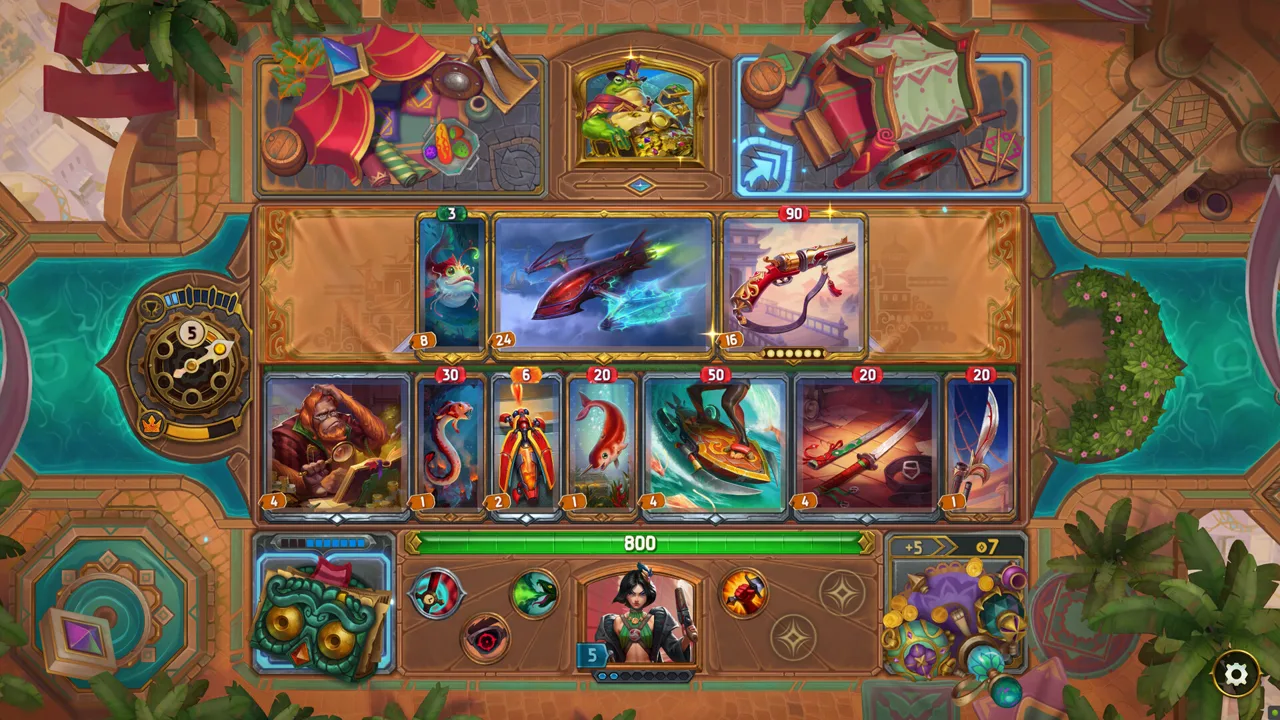
The database covers items, skills, merchants, trainers, monsters, and events. Item entries go beyond basic damage and cooldown numbers: they also explain ability triggers, priorities, and stash rules. Merchant pools and encounter details help you investigate how an item fits into the rest of a run.
Start with the question your board needs answered. Search for a specific item to inspect its mechanics, or combine filters to find candidates with the size, tags, and effects you need.
Official page: The Bazaar (playthebazaar.com)
Filter Items by Hero, Size, and Tier
Narrow the item pool before comparing individual cards. The available hero filters include Common, Vanessa, Pygmalien, Dooley, Mak, Stelle, Jules, Karnok, and The Dragons.
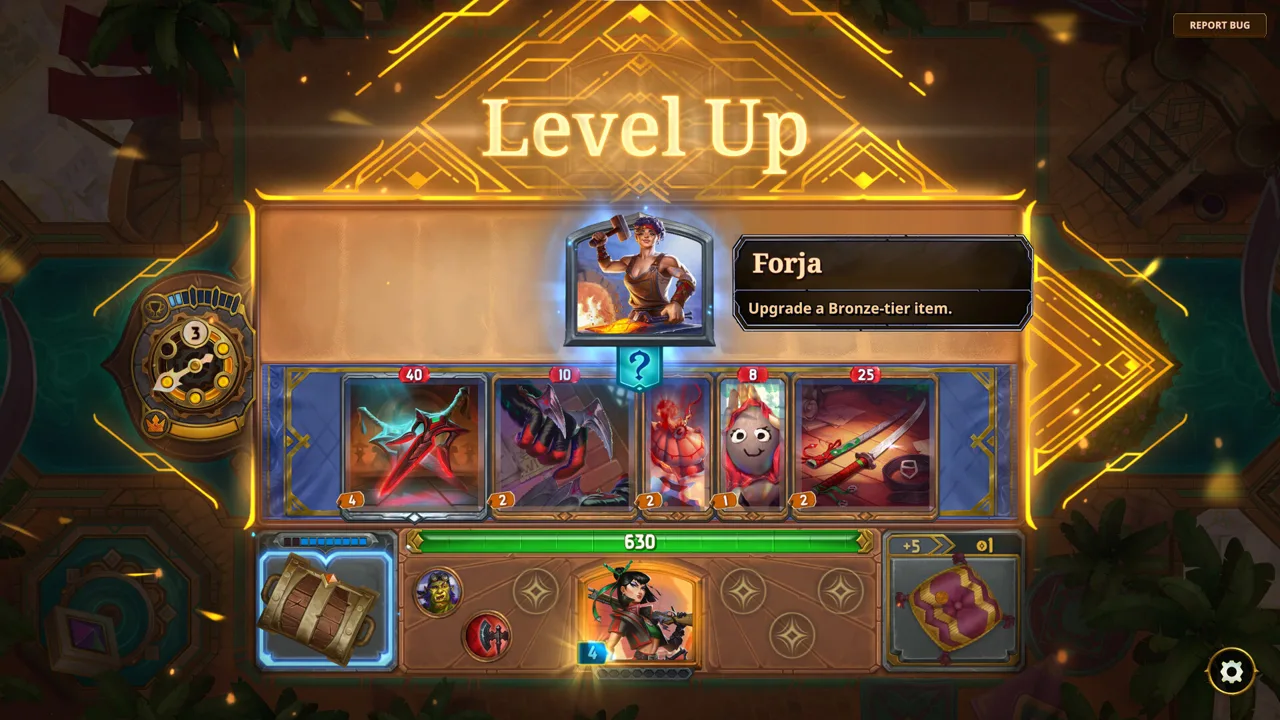 Image: Steam / Tempo
Use this sequence to make a broad search manageable:
- Select the Items category. Keep skills and encounters out of an equipment search.
- Choose the relevant hero filters. Use the Common option when you want to inspect that pool.
- Set the size restriction. Small, Medium, and Large filters support “At least,” “Exactly,” and “At most.”
- Choose a tier. The tier options run from Bronze through Silver, Gold, Diamond, and Legendary, with the same comparison controls.
- Add item types or mechanics. Filter for a Weapon, Food, Friend, Tech item, or another tag, then narrow by effects such as Burn, Poison, Shield, or Charge.
Pay attention to Match any and Match all. For item types, matching any selected tag broadens the results; matching all requires the selected tags together. Use the latter when you need a specific combination of properties.
For more precise queries, use the built-in search syntax guide. It supports advanced searches beyond the visible filter controls.
Read Triggers, Tags, and Stash Rules
An item's headline stat only tells part of the story. Read what activates its ability, which items it targets, and how long any resulting bonus lasts.
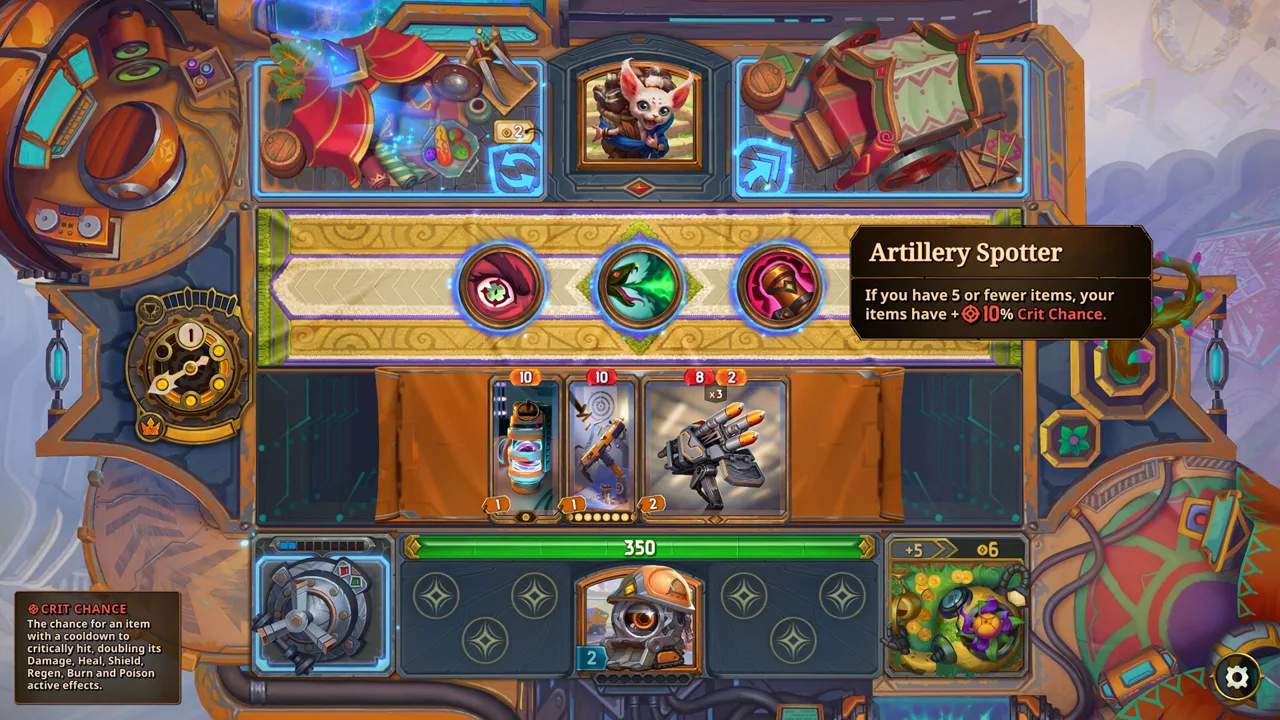 Image: Steam / Tempo
Patch 20.0 provides several examples of why wording matters:
- Dragon’s Breath lost the Potion type and gained Reagent. Its Burn grows when you Heal or Regen, and transforming it applies Fiery if able.
- Laurel’s Favorite expanded its adjacent-item trigger from Food to Food or Toy.
- Mini Fridge’s Chilled effect expanded from adjacent Food use to adjacent item use.
- Bolas gained the Tool type, while Visor gained Tech.
Check tags before building around a type requirement. An item retaining its name does not mean it retains every previous interaction.
Inspect duration wording just as carefully. In Patch 20.0, Rune Axe’s sell effect became Lifesteal for your leftmost Weapon for the day. Gland’s sell effect grants permanent Regen. Those benefits serve different purposes even though both activate when sold.
For stash interactions, read the relevant ability rules directly. Patch 20.0 changed Salvage Yard so it no longer transforms items in your Stash; it instead spawns loot items based on what you sell.
Compare Item Stats Against the Patch Version
The database version labeled 20.1 (Nov 6) identifies its patch baseline. Match that version to the interaction you are investigating, especially when an older build depends on a particular cooldown or scaling effect.
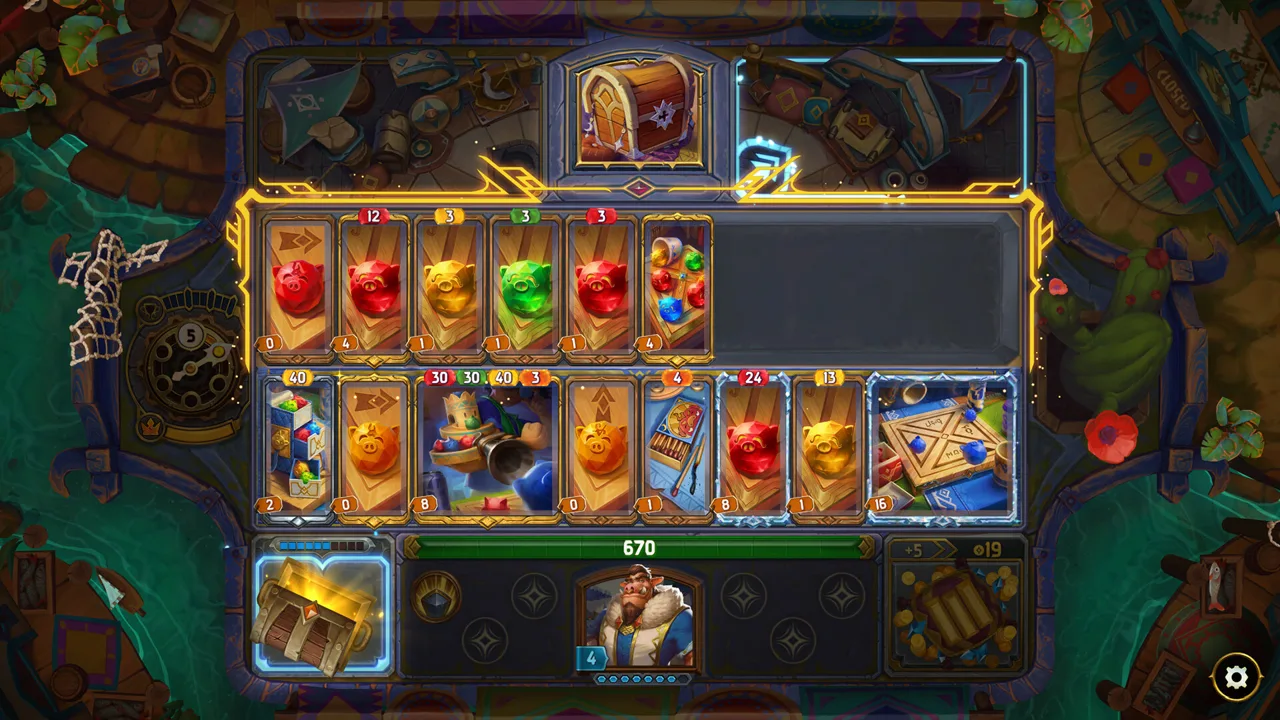 Image: Steam / Tempo
The November 4 Patch 20.0 changed these item values:
| Item | Stat | Before Patch 20.0 | Patch 20.0 |
|---|---|---|---|
| Cannon | Damage | 40/80/160/320 | 50/100/200/400 |
| Fishing Rod | Cooldown | 5 | 4 |
| Ectoplasm | Cooldown | 7 | 6 |
| Games Table | Cooldown | 6 | 8 |
| Pitchfork | Damage | 20/40/80/160 | 40/80/160/320 |
Use the value for the tier you are comparing. Keep cooldown and trigger changes alongside damage numbers when evaluating an upgrade.
Some changes alter the reason to buy an item. Patch 20.0 changed Trebuchet’s Burn from a flat amount to 10% of its damage. ATM’s Shield changed from an Income multiplier to 20/40/80/160. Revisit the full ability when a familiar item no longer scales the way you remember.
Use Encounter Entries to Plan Item Access
Search encounters and merchant pools when your question is about access rather than combat output.
Patch 20.0 introduced Tiny World, an Expedition requiring a Tiny World Expedition Ticket. Travel Agent can offer that ticket, and its “Surprise Me” option costs 6 Gold for a random ticket. Sprout provides a free item exclusive to Tiny World.
Other access rules also matter:
- Thieves Guild is accessible only through Thieves Guild Medallion.
- Partner Portal can appear on Days 1 to 5.
- Partner Skills provide a 50% discount on items from the associated Hero.
- After selecting a Partner Skill, a different Partner Portal can appear that upgrades items from that Hero.
Check encounter requirements before planning around their rewards. Keep the random-ticket option separate from a specific ticket purchase when deciding how to spend your Gold.
Continue with
 The Bazaar Enchantments: Effects and Item Upgrade TipsLearn how The Bazaar enchantments work, compare 13 types, and choose item upgrades without replacing the effects your build needs to win your next fight.
Continue exploring
Join the community
Official channels for news, updates and player help: